Tell us about your business
Your services, prices, opening hours and current promotions. This is what Chatbaht uses to answer your customers.

How it works
A customer messages your business. Chatbaht answers in seconds, helps them choose a service and a time, books it, and reminds them before the visit. Your staff only step in when a real person is needed.
Interactive walkthrough
Play the customer yourself: use the reply buttons in the chat, or tap a step to jump straight to it.
Simulated example. Names and prices are for illustration.
Getting set up
You don't need to be technical. Our team in Bangkok helps you connect everything.
Your services, prices, opening hours and current promotions. This is what Chatbaht uses to answer your customers.
We help you link your LINE Official Account and Facebook page, so every chat arrives in one place.
Message your own business the way a customer would. When you're happy with the answers, switch it on.
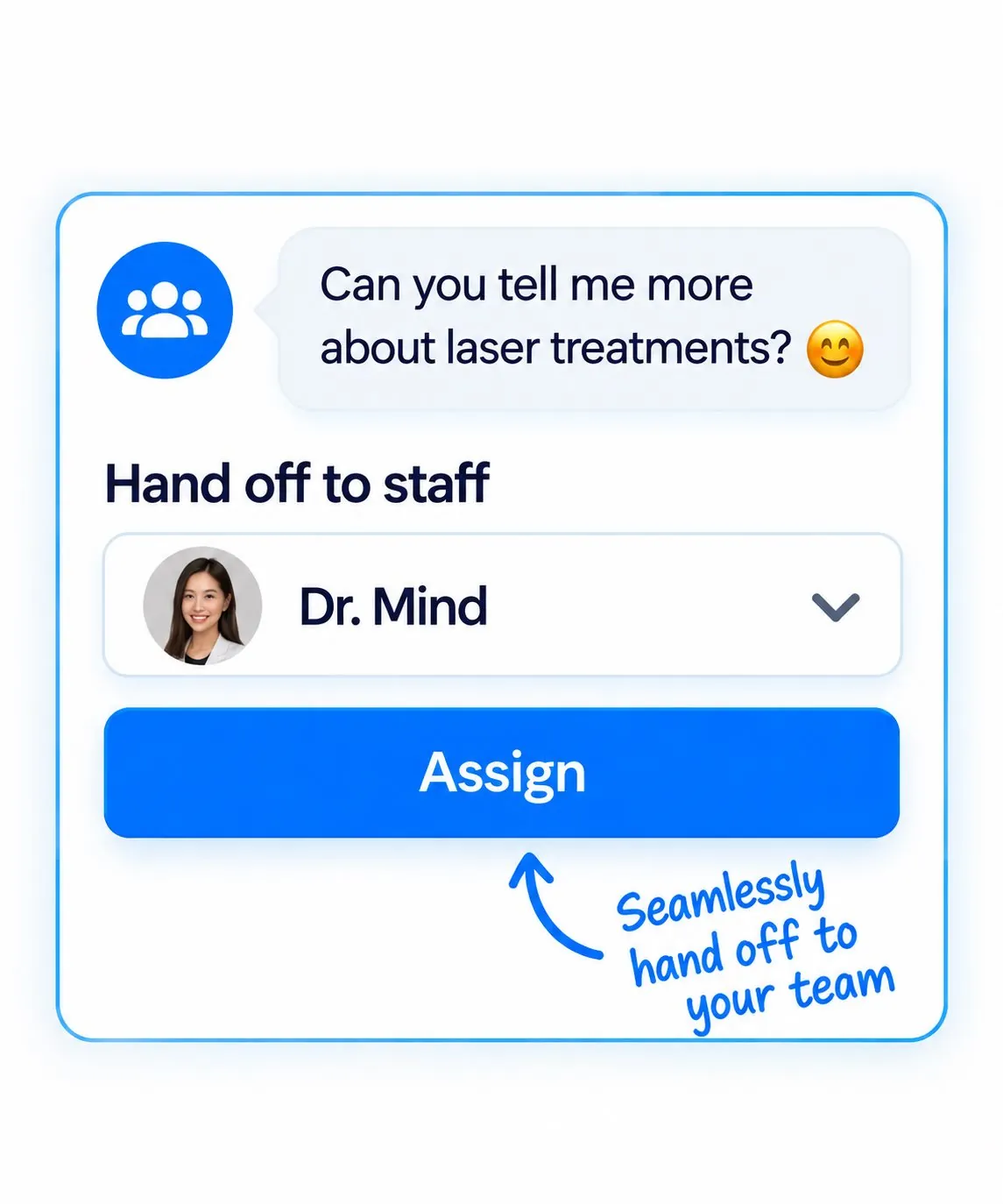
Human handoff
Some questions need your staff: a special request, a complaint, a medical question. The customer taps once and the conversation moves to a real person, with the full chat history attached.
Common questions
No. They message you on LINE or Facebook exactly as they do today. Chatbaht works inside those chats.
Thai, English and Chinese. It replies in the language the customer writes in.
Yes. A customer can ask for a person with one tap, and your staff can see the whole conversation before they reply.
Into your Chatbaht dashboard, where your team sees appointments, customer details and daily activity in one place.
Most of the work is telling us your services and prices. Once we have those, connecting LINE and Facebook takes minutes.
Get started
No credit card required. Set up in minutes. Cancel anytime.